

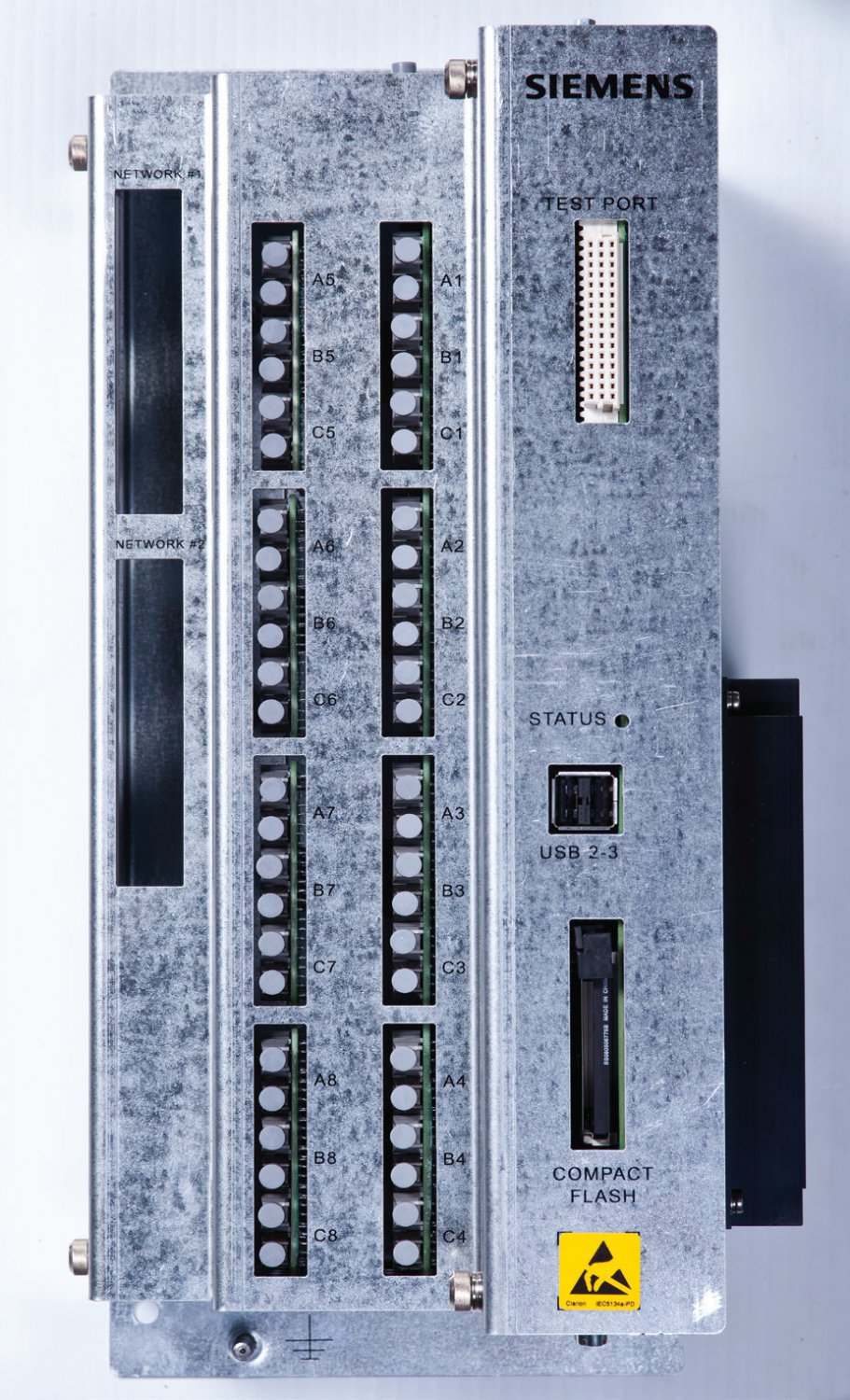
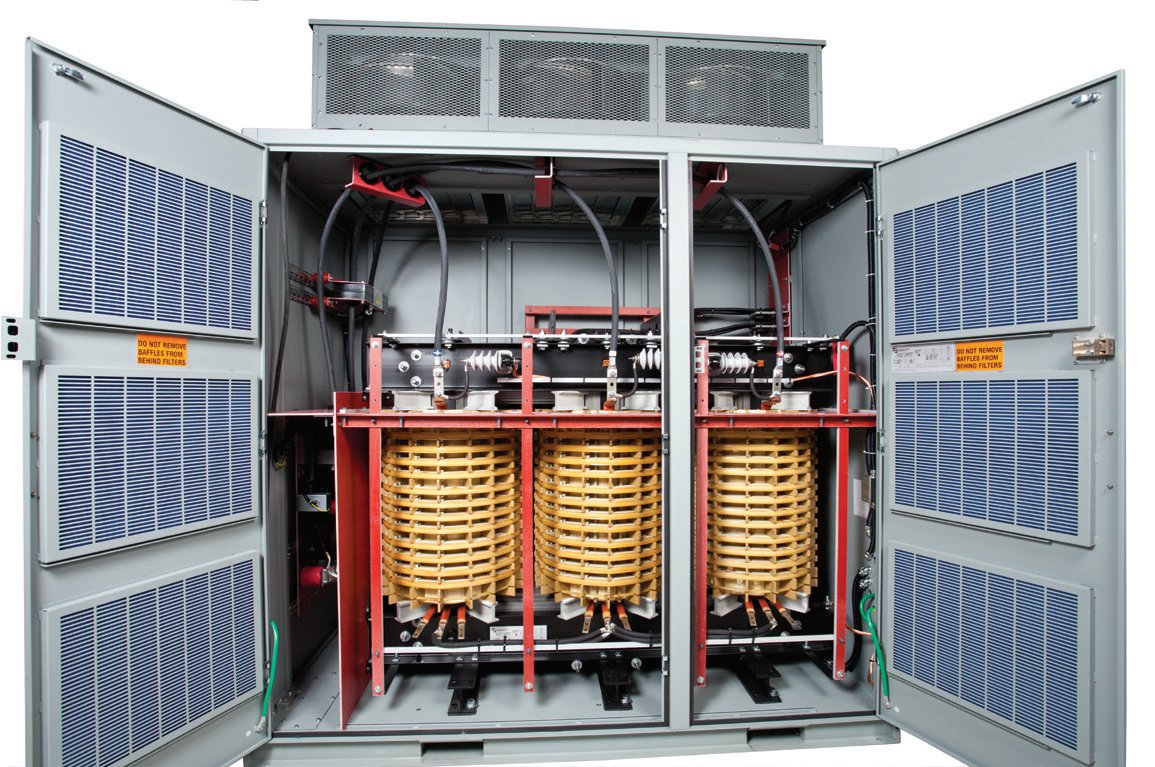
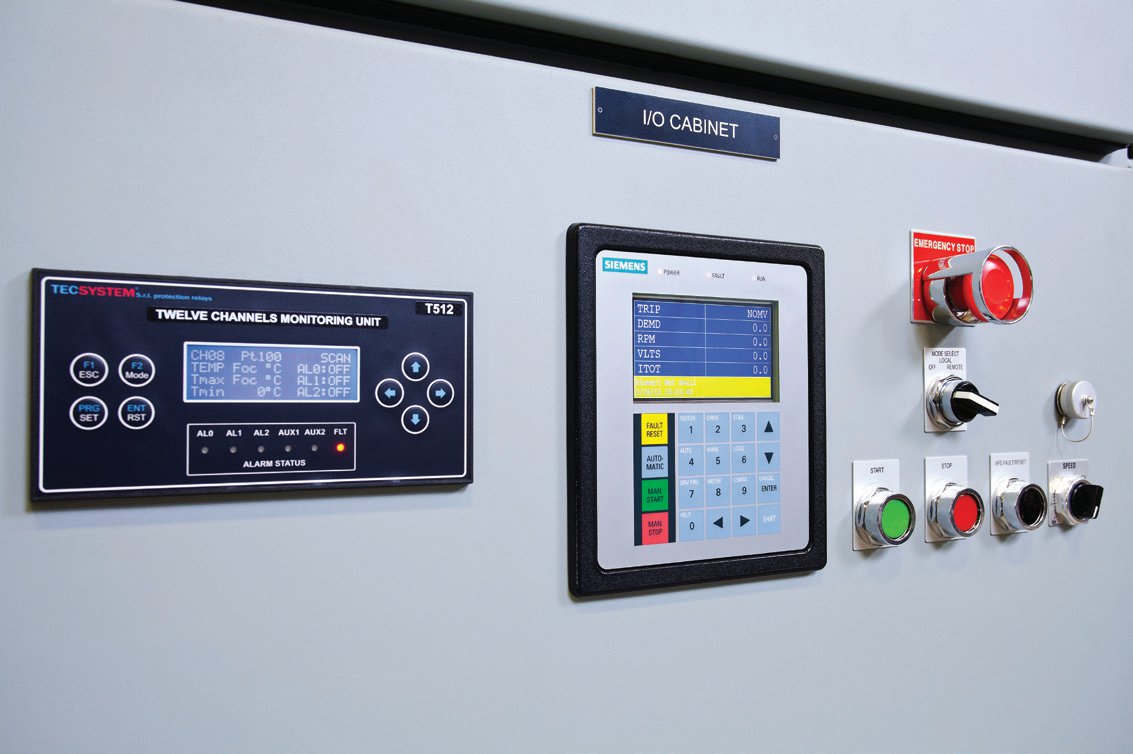

Siemens Robicon NXGPRO Digital Control System GH180 GH150 NXGI NXGII NXGIII ToolSuite PC Program
Siemens Robicon NXGPRO Digital Control System SINAMICS GH180 GH150 NXGI NXGII NXGIII ToolSuite PC Program
Siemens Robicon NXGPRO Digital Control System SINAMICS GH180 GH150 NXGI NXGII NXGIII ToolSuite PC Program
NXGPro ToolSuite
The NXGPro ToolSuite is a PC-based high-level Graphical
User Interface application that integrates various software
tools used for NXGPro based drives. ToolSuite, equipped
with the Microsoft Windows Operating System, allows
navigation through a drive’s features by using a PC or by
using a touch- screen allowing customer to monitor and
control drive’s functions quickly and easily. ToolSuite
contains the following tools: Drive Tool, Debug Tool, and
SOP Utilities.
Configuration
• Multilevel password to limit access: the same password
used as in drive
• Folders for each drive configuration category (i.e., VFD
Menu system)
– Icon colors to indicate default and modified
parameter values
– On screen parameter identifier (matches operator
panel IDs for speed menus)
– Parameter editing assisted by minimum/maximum
limits and defaults
• Ability to upload logs, parameters, system program
• Ability to download system program and/or
configuration data files
Graphing
• Adjustable time scale
• Predefined variable list to select variable to be graphed
• Graph up to 10 variables
• Individual variable offsets
• Customizable graphics: fonts, color, styles
• Freeze graphics
• Freeze graph on fault
• Freeze on selectable trigger
• Zoom graph
• Printable and exportable graphics
Status
• Programmable display variables
• Pick list selectable variables, same as drive operator
panel display list. The drive control provides the
capability to monitor up to 64 different drive and motor
parameters according to customer application and
specification. They can be selected from more than 200
parameters and variables available in the system. The
table below shows some of the parameters available.
• First 4 synchronized to operator panel display
• Fault and alarm indicators (traffic lights: red = fault,
yellow = alarm, green = none)
Drive Tool
Its purpose is to manage all of the drive features and
provide the user with a user-friendly view of the drive. The
Drive Tool’s main features include:
• Drive configuration
• Drive variable graphing
• Drive status (provides real time status of various
parameters, measured values, and calculations)
Debug Tool
This application provides a remote graphical user interface
for Siemens medium-voltage SINAMICS PERFECT HARMONY
GH180 NXGPro series drives. With the Debug Tool, the user
can examine drive variables using a PC in a simple and
quick manner. The debug utility is intended for use during
test, commissioning, and troubleshooting of the drive.
SOP Utilities
The System Operating Program (SOP) is the logic that maps
the internal and external I/O into the functionality of the
drive. In its simplest form, it just maps internal states to
external points. It performs most of the functionality on
the PC running the ToolSuite, it also offers serial
communications capability for uploading and downloading
the System Program directly to the drive via an Ethernet
interface between the drive and the PC.
Input parameters Motor parameters Drive parameters
Input voltage Output power (kW) Transformer overload
Input voltage harmonics (one at a time) Output power kW-Hr VFD efficiency
Input current Output current – RMS Drive State
Input current harmonics (one at a time) Output voltage – RMS Drive Internal Losses
Input power factor Motor torque Power Cell Status
Input power (kW) Motor speed (RPM) Bypass status
Input reactive power (kVAR) Motor slip (%) Auxiliary Demand
Input kW-Hr Drive output frequency (Hz) Output of energy saver
Input phase sequence Magnetizing current High starting torque mode state
Loss of phase Torque current Drive neutral voltage
Low voltage Motor flux Max available output voltage
Stator resistance Synchronous transfer state
Full load speed Critical speed avoidance output
Previous : Siemens Training Programs SINAMICS PERFECT HARMONY GH180-Diagnosis and Repair (DR-GH18-DG)-副本
Next : Siemens SINAMICS GH180 Operating Instructions EN AirCooled 6SR41


 Copy product links
 Long by picture save/share
INQUIRY


Add Successfully
We are the world's leading supplier of spare parts for medium voltage drives of various brands

点击右上角
分享给朋友吧
GET IN TOUCH

East Sun Industrial Centre, No 16 Shing Yip Street Kl, Hongkong

Call us : +852 5261 7322

Email us : [email protected]
SITEMAP
BUSINESS HOURS
Monday to Friday : 9 am to 6 pm
Saturday : 9 am to 12 am
Sunday : Closed Support Hours in 24/7 Everyday
DISCLAIMER:
We are not an authorized distributor, reseller or representative of the following products presented on this website. All Product names and logos throughout this site are trademarks of their respective holders. Use of them DOES NOT imply any affiliation with or endorsement by them.
© 2020 robiconperfectharmony.com site . All rights reserved Site Map
