


GH180 NXG Firmware NXGpro NXG controller Tool Suite Latest Version
GH180 NXG Firmware NXGpro NXG controller Tool Suite Latest Version
Dear sir
I got fault massage "Drive not Communicate" ,when I was trying to install a New spare DCR box .
Steps fallowed by :
* First I removed the OLD DCR box with SMPS .
* removed the CF card .
* mounted the new DCR box and put the OLD CF card .
after that when switched on the control power , it was shown error "Drive not Communicate " .
* Then I removed the new microprocessor board / CPU board and put the old CPU board and the OLD cf card .
after that when switched on the control power , it was normal . there was no fault .
Drive Data:
P/N no:-A5E03678318 , S/O: 3001521032 and
Order no:- 6SR4502-5ND42-5BH0-Z .
GEN IV, air cool,750V, 24 cell,140A
____
Data of OLD CUP BOARD:
M118B9400145
PROX-H472LF-PU-062L1-G1B
A1A0100521 REV.BA
E41-11900021
--------
Data old CF CARD:
A1A260986.00
-----
Data of NEW CUP BOARD:
P/N :-A1A0100521
S/N:-E64-15200083 BA
--------
Data New CF CARD:
siemens nxg software standard v 5.3.1
2-20-2015
A1A260986.00
---------------
* Is there Any problem in CPU board ?
* Is there any firmware version problem ? bcz when drive start , it shows "perfect harmony 5.2.2" .
* How can i update the NXG software 5.2.2 to 5.3.1 ??
__________________________
Please help me about this matter . The error/fault was shown at the time of NXG software loading (5.5.2) / drive software loading (firmware 5.5.2) .
Hi
Drive not communicate is coming where on drive display screen!
Can you try with old flash and new CPU whether error is coming.
Firmware should not be an issue within the drive from CPU to drive HMI screen. If you are connecting a laptop with tool suite to drive then while going ONLINE it pops up message " Drive installed software and tool suite version mismatch"
To upgrade NXG there is procedure and you need Tool suite installed laptop and flash card reader.
Regards,
Vijay
Sir, thanks for your supervision .
Yes, it (fault:-drive not communicate ) was coming on Keypard Display. As you said, there is no problem in firmware . I removed the RAM and Battery of the CPU then again connected it properly with OLD CF card. Now there is no issues But sometime same problem has occurred while connecting my laptop through ethernet cable . This error massage is not logged in "event log" and "fault log" . NXG software installed 5.2.1 on drive and tool suite Version 5.2.2.1 on laptop.
HI
While connecting Laptop with tool suite to drive SW version mismatch, no issue a pop up message will come and just acknowledge it. It will go ONLINE then.
Or you can tick the option don't ask , on the tool suite screen.
Thanks
Vijay
Hi,
I got two cases with Drive Not Communicate fault.
1. Problem was in wrong soft at CF. I ve asked it on the factory, then i download it correctly.
2. Problem gone after CF changing.
Event log uploading problem
An error (“ Lost of communication with host”) comes while uploading "Event Log" file "from VFD to PC" through Siemens - Tool Suite software ( debug tool )(ver.no:-5.2.2.1) .
** This error only comes at the time of uploading "Event Log file” and after acknowledge the error,Tool-Suite restart automatically
*** Same problem occurred with different error Message:-“error retrieving logs from drive ”, through Tool Suite software ( drive tool )(ver.no:-5.2.2.1) .
Please find the attached Snapshots for analysis.
Tried below steps but it was not working
1. Plug out CF card and manually copy the event file.
2. Delete the event log file (all three files Event.LOG, Event.OLD and EventLog.tep) from CF and place it back in the drive.
Please share the appropriate way to solve this problem .
I would try the following to rule out a few different possible causes of the issue;
Try a different version of the Tool Suite Software.
Try a different computer.
Try connecting directly to the drives Ethernet port (if your not already) from your computer ie don't use a switch/router.
Try the computer and software you are currently using on a different drive. If this works check to see if there is a drive software version difference between the two drives. Make sure you are using 4.x and above.
The above steps should narrow down the possible causes of the issue.
Hi
Have you tried to view . I believe it is also not working!
Alternatively you can connect a serial printer to RS 232 port and try to retrieve form drive HMI. If it also doesn't work issue might be with PC or version of Tool suite..
Have you tried expert's suggestion with another PC.
Thanks
Vijay
Can someone tell me if there is tool suite for windows 7 64 bit and where can i download.
thank a lot
Perfect Harmony medium voltage drives
Greetings,
I'd like to have a discussion with other users of the above mentioned drives. I'm trying to learn from other usersthat usethese units as to their reliability and maintenence issues.I would appreciate hearing from anyone with real-world field experience on these drives.
Thanks,
Scadamooch
We have about 50 Perfect Harmony in my country, produced in Germany, USA, China. I can say that the drives are very reliable, and additional options - cells' bypass and reserve fan make it "non-stop" device. Also it continue to be working with very deep voltage drop, while other equipment is already stopped/faulted.
Generally they are very reliable. They are used a lot in oil & gas offshore as if there is a problem with the cells they can bypass and keep running.
You need to keep them clean and check the electrical connections as you would with most HV equipment.
The only problem with them is if the main transformer fails. It has special windings and can be quite hard to fix quickly. Of allof the ones I know of I have only know 4 transformers to fail in the last 8 years.
There are some early PH leagacy drive which are 15 years old still going strong with no problems.
I have to agree with the other posters.
Normally you lock the doors half way through commissioning, and never open them again.
There are PM schedules published, but I know machines that havn't been touched in 5 years and are still working fine.
Spares availability is good: some of the control PCBs have been updated so replacing one may mean replacing another next to it, but everything is available one way or another, even for the Legacy drives that were mentioned (Some of those have been updated to NGX2 controls, and there will soon be a standard way of doing that too).
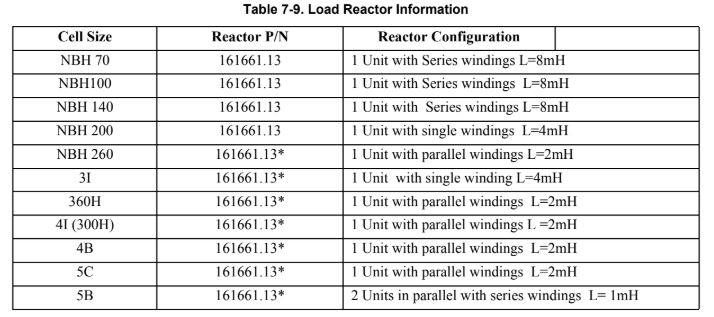
Perfect Harmony is a proven drive with excellent features like 55 % UV tripping, optionalcell bypass without stopping the machine in case of cell failure, allowing wide distances between motor and drive without any special output chokes, elegant power factor control and even no autotuning is required. I woked with atleast 50 drives of GEN III and GEN IV drives
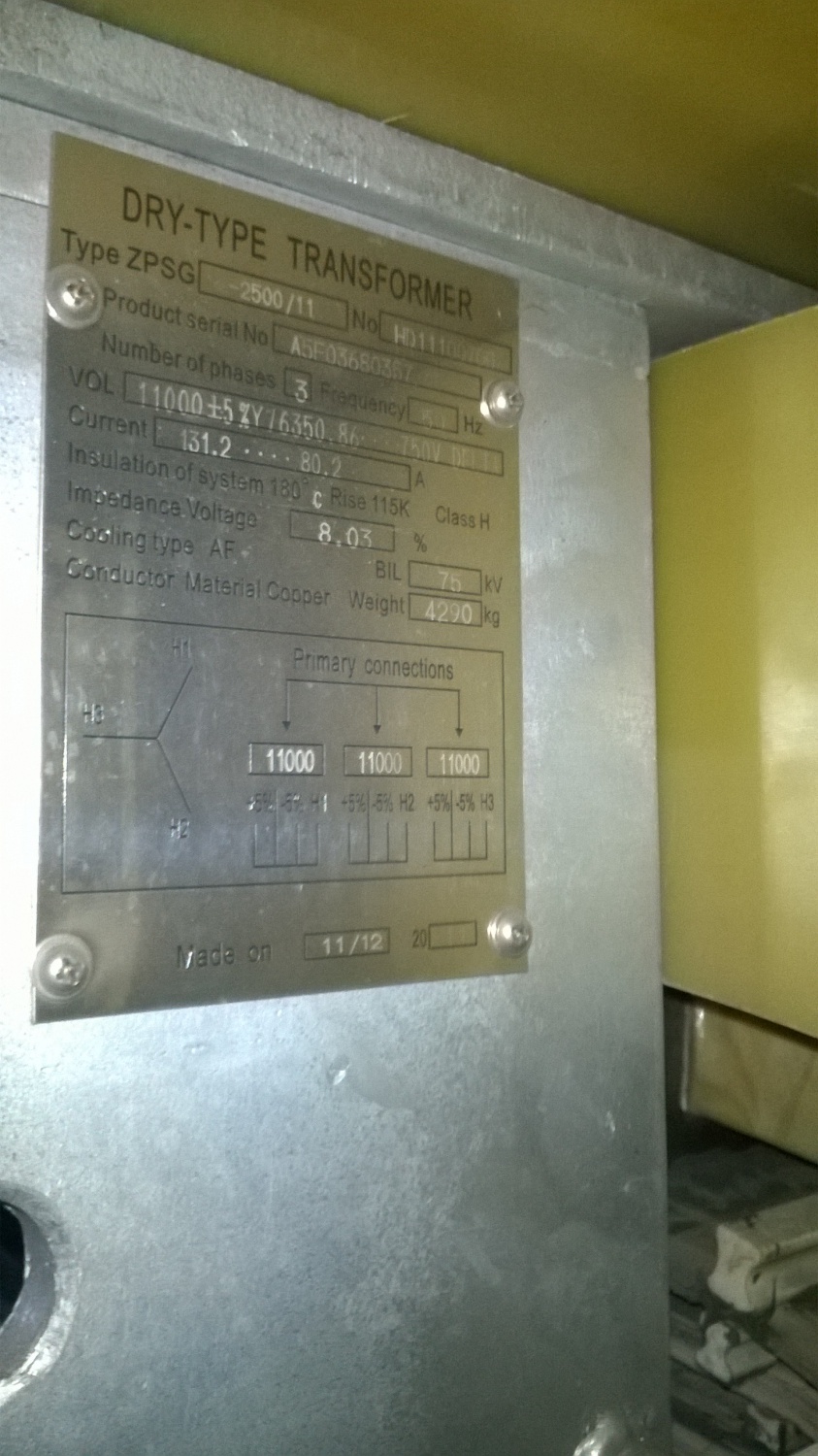
Another intereseting feature is that eventhough incoming voltage is MV like 4.16 KV or 13.8 KV, all power components are of LV level 690 V
K. Vijay
Cell modular design also facilitates easy replacement. But lately noticed that there are issues with System Interface Boards of particular firmware and CPU firmware for nuisance trippings at times
Vijay
The medium voltage drives do not bring obvious harmonic distortion to the power grid and works with high stability for years in our factory. For more information about it, please follow this link. https://www.robiconperfectharmony.com/
Dear Sir/Madam,
We are using the siemens perfect harmony 6.6kV INPUT/6.6kV OUTPUT, 850kW/1250kVA
Part no : A5E32855132, A5E32855658
Problem : We are facing the problem with Multi-Language Keypad was not showing the display.
Points we checked : -
1. keypad cable, connections checked between the keypad and CPU.
2. CPU was working.
2. Cross checked the Watchdog was enabled.
Further what i need to check?
Please suggest me permanent counter measure to solve this issue.
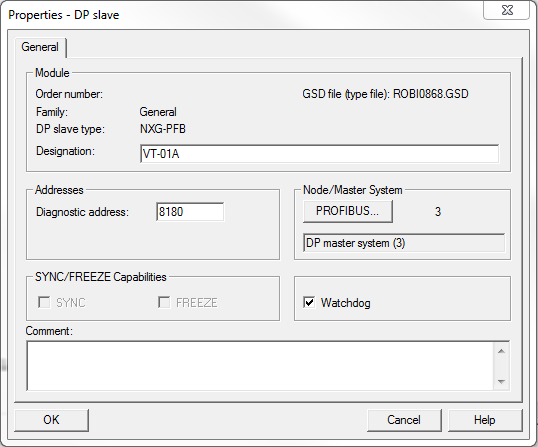
Note : Drive was working normal.We are operating the drive through remote via profibus communication.
Regards,
Sivaji Manigandan
Hi Sivaji
Issue might be with Keyboard adapter board or display itself. Can you check this adapter board is intact on the slot. How u checked the cable, pin to pin continuity you have to check for the flat cable.
Regards,
VIjay
Hello Sivaji.
From my experience regarding the keypad, the possibility of this failure might be ribbon cable between the keypad & keypad interface board. disassemble the plug socket to check any cable line broken.
In my case, last red line was cut off, result of it, key pad was not working properly.
^^ I hope it will helpful for you.
we have same problem , i also check cable between display and card .but still display black .
Could you help me about this problem ?
i want to indicate this situation:
aproximatly 1 month the screen was black .but today screen is opened. i turn off control power and then turn on but it chenged black
try to replace same flat cable or ribbon whatever some time its happened with keybord due to vibration humidity e..tc.
HI
Check pin to pin continuity of the cable. If ok, then with antistatic wrist band remove adapter board from DCR and check all ICs are intact.
Vijay
What is the latest version of NXG firmware?
I need to upgrade V 4.1.3 to the latest one.
Regards,
Tanweer
HI
Install Tool suite 5.2.3.1 which is integrated with the latest NXG
Vijay
Hi
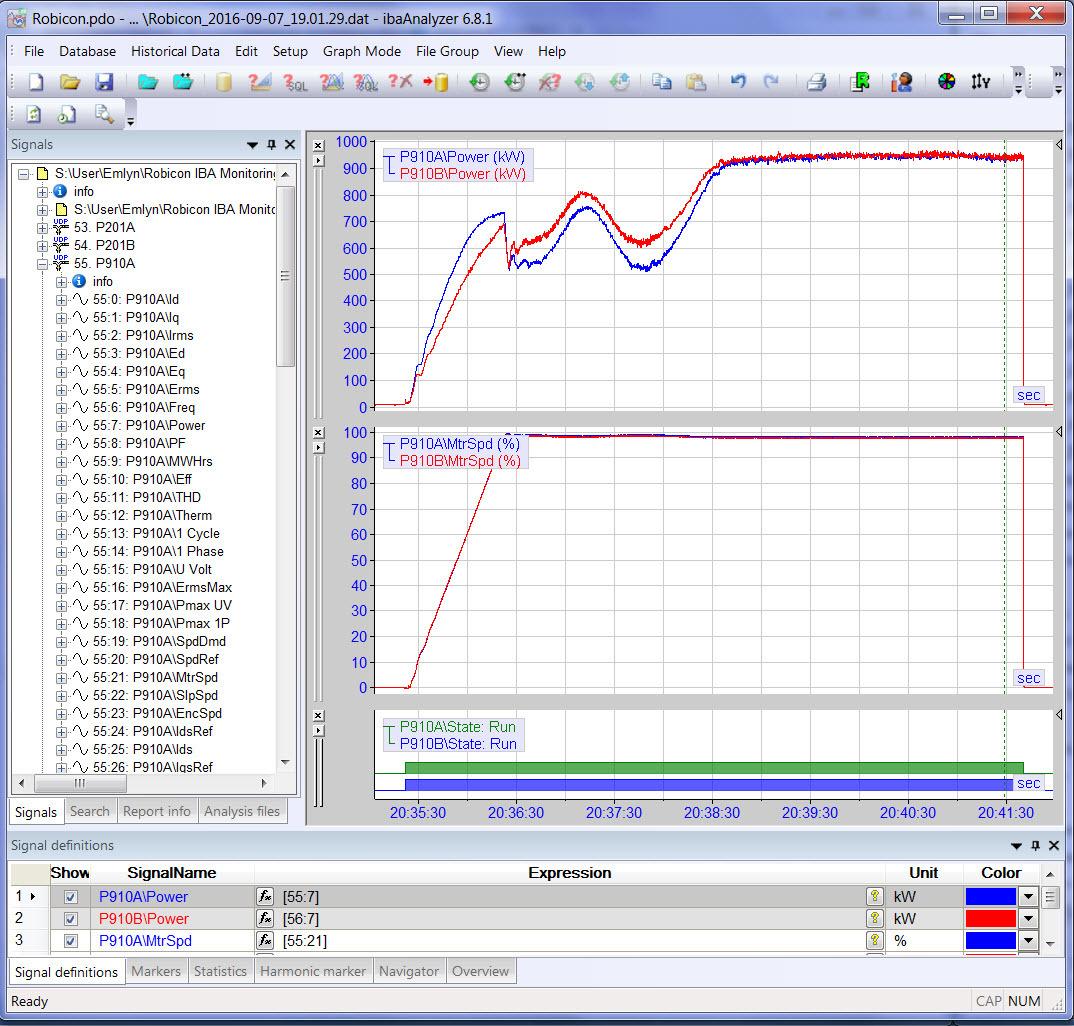
We have ROBICON air cooled and water cooled VFDs running since year 2011. Recently while recording monthly power consumption and motor running hours, found reading moving backwards some times. Is it related to Power OFF and bad battery on CPU card! or some thing else. Are these readings backed up by battery on CPU!
Normally with Auxiliary control Power OFF to ON, preset value is moving automatically to the current value. is this the correct way. My understanding is, if by any reason current value goes to zero, then only I should input preset vaue as current value and from there it should accumulate!
Regards,
Vijay
Normal 0 21 false false false CS X-NONE X-NONE MicrosoftInternetExplorer4
Hello,
I would like to ask for support to our converter Perfect Harmony 2500kW GEN3E.
SYSTEM P/N:A5E02034098 , S/N: 11841, tested by 1803
Is it possible to send me a default configuration file to this specific perfect harmony. ( something like config.cfg)
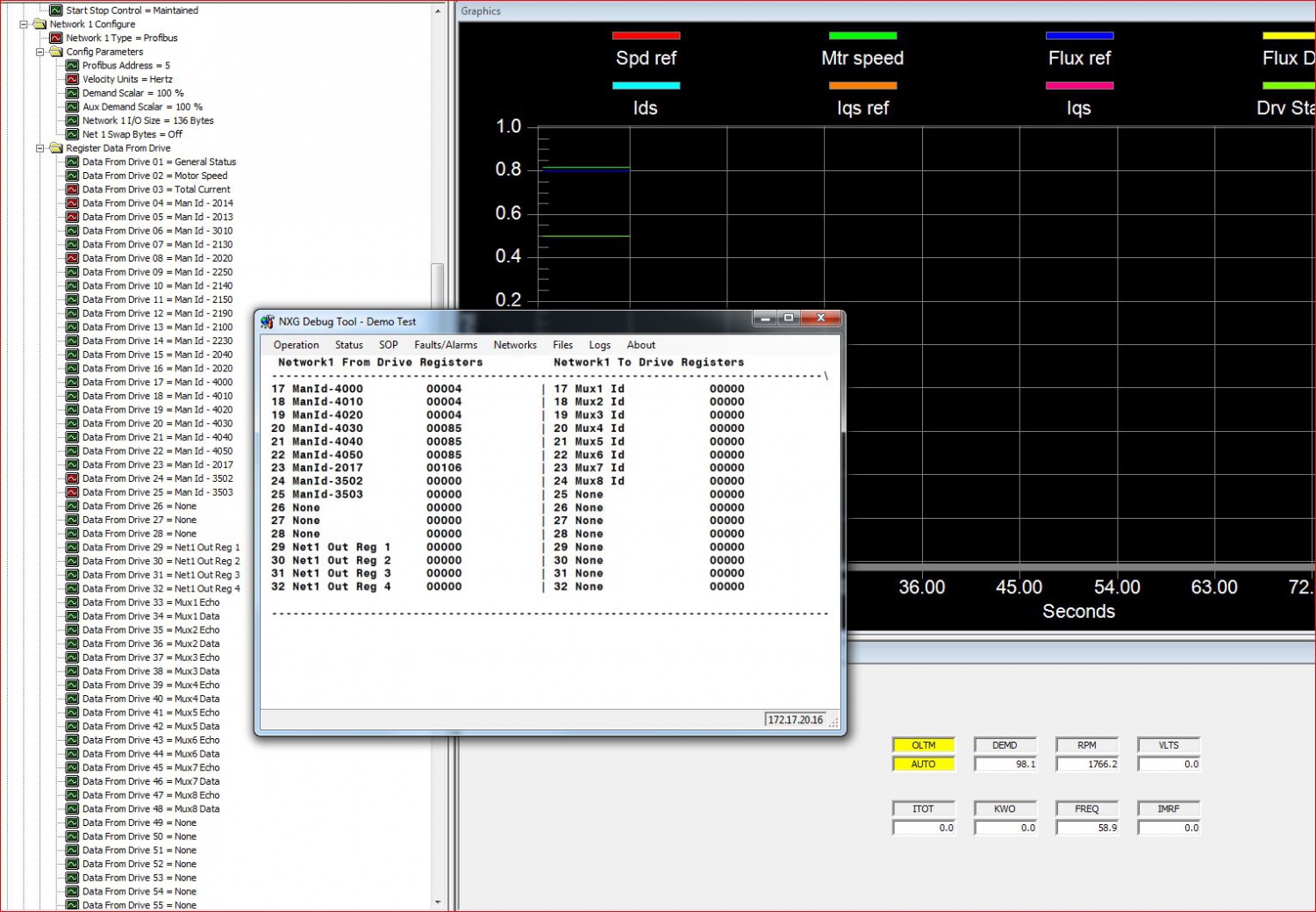
In this time our system do not communicate for example with wago IO device (digital output are all false).
Thanks
Hi MarMichal
Once Tool suite is installed, you can go ONLINE with VFD and check the status of WAGO IOs through DEBUG tool.
Regards,
Vijay
Normally .HEX and .DIS files are project specific. Do you have .dis file and Tool Suite.
Then reverse compile to HEX using Debug tool and download to VFD
Regards,
Vijay
Previous : How long will Siemens offer spare parts support for the GH180 MVD NXG NXGI NXGII NXGpro control?
Next : Siemens Robicon Perfect Harmony GH180 NXG NXGpro NXG controller Tool Suite Latest Version 5.1.0.1


 Copy product links
 Long by picture save/share
INQUIRY


Add Successfully
We are the world's leading supplier of spare parts for medium voltage drives of various brands

点击右上角
分享给朋友吧
GET IN TOUCH

East Sun Industrial Centre, No 16 Shing Yip Street Kl, Hongkong

Call us : +852 5261 7322

Email us : [email protected]
SITEMAP
BUSINESS HOURS
Monday to Friday : 9 am to 6 pm
Saturday : 9 am to 12 am
Sunday : Closed Support Hours in 24/7 Everyday
DISCLAIMER:
We are not an authorized distributor, reseller or representative of the following products presented on this website. All Product names and logos throughout this site are trademarks of their respective holders. Use of them DOES NOT imply any affiliation with or endorsement by them.
© 2020 robiconperfectharmony.com site . All rights reserved Site Map
